Enterprise UX: Modernize Legacy Systems Without Disruption
UX Strategy, Modernization
Why do enterprise UX projects fail?
The pattern is depressingly consistent. A system built in 2011 for 200 users now serves 2,000. Leadership approves a “modernization” scoped as a technical rewrite with a design refresh on top. Nobody talks to the call-center team that has eleven workarounds memorized. The new system ships, the workarounds break, productivity craters, and within six months the organization has two systems: the new official one and the old unofficial one running on exported spreadsheets.
The failure is never visual. It is the assumption that the documented process is the real process.
Where do I start with a legacy modernization?
With observation, not planning. Sit with the people who use the system most, for a full day, before any design work. Watch the workarounds: the personal spreadsheets, the sticky notes, the “you have to click here twice” knowledge. Every workaround is a requirements document the original project never collected. This fieldwork phase takes one to two weeks and routinely changes the scope of everything that follows.
What is the safest migration strategy?
Strangler pattern, applied to UX: build the new interface around one workflow, run it alongside the old system, and let users switch when the new way is genuinely faster. Then the next workflow. Users who migrate by choice become advocates; users who are migrated by decree become saboteurs with good reasons.
Parallel running feels expensive. The alternative, a hard cutover, is more expensive; it just hides the cost in the quarters after launch, in retraining, errors, and quiet workarounds.
How do I measure whether modernization worked?
Three metrics, captured before any change so the baseline exists: time on task for the five most frequent workflows, error rate per workflow, and training time for a new hire. Modernization that cannot improve these is decoration with a budget. We have seen redesigned enterprise flows cut task time by a third simply by removing fields nobody used and defaults nobody understood, and those wins only count if you measured the before.
How do I get resistant users to adopt the new system?
You mostly do not need to, if you involve them early. The power users of the old system are the highest-risk group and the highest-value testers: they know where the bodies are buried. Bring three of them into the design process as paid advisors. When the new system survives their worst workflows, they become its loudest defenders. When it does not, you found out before go-live, which was the point.
Change management communications matter less than one rule: never remove a capability without naming its replacement. Users forgive new. They never forgive missing.
What does accessibility have to do with legacy systems?
Everything, on a timeline. Enterprise and government modernization in the GCC is increasingly where WCAG 2.2 requirements land first, through procurement language and national digital standards. Building accessibility into the redesign costs a fraction of retrofitting it under contract pressure later. Our modernization service treats it as a default, not a phase.
How long does modernization take?
Honest answer: a first improved workflow in users’ hands within two to three months, full transition over six to eighteen depending on system size. Any proposal promising a full enterprise replacement in eight weeks is describing a demo, not a migration.
Start with one workflow
If you own a legacy system that people tolerate rather than use, the way in is narrow: pick the single most painful workflow, and let us modernize that one properly. Talk to us about a scoped pilot: fieldwork with your real users, a redesigned flow, measured against the old one. If the pilot does not prove the case, you stopped cheap.
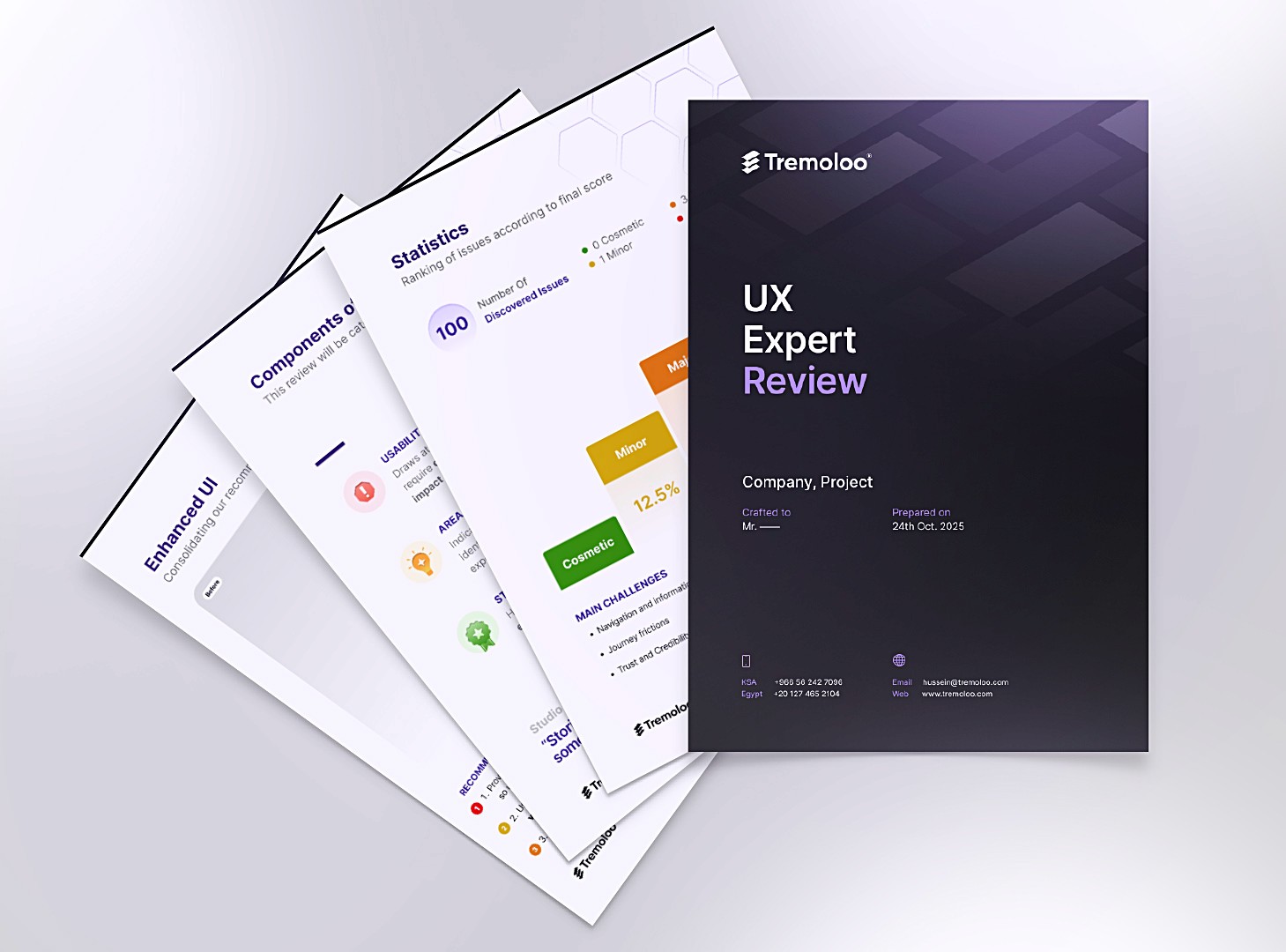
Free UX Audit Template
Your next UX audit, already structured
Download the same UX audit template I use with clients: heuristic checklist, severity scoring, and a ready-to-share report structure.
Ready to Launch
Your Next Project?
If you’re tired of iterating in circles, we can help. We research,
design, and refine products with focused teams.